Make a meme in three simple steps
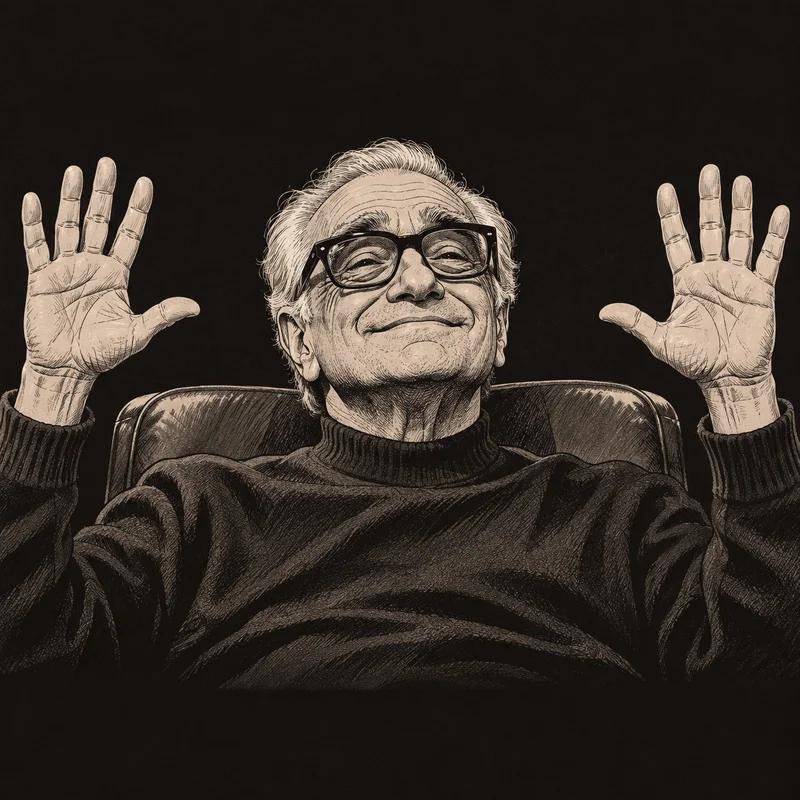
Start by selecting an illustrated template from the editor, or open Upload image to choose your own picture. Press Add Text for your first caption and again for any extra captions. Use the text fields for quick edits and the canvas handles to move, resize, or rotate each layer.
Add text to an image, your way
The default style uses white, uppercase Impact lettering with a black outline. Select a caption to change its font, size, or color. Turn off automatic uppercase for mixed-case jokes. Keep important faces uncovered and choose short wording that reads clearly on a small screen.
Download a ready-to-share PNG
Download PNG saves a file with an 800-pixel long edge, keeping your picture’s proportions. Free exports include a small FastMeme watermark. Your pictures and captions stay in your browser; save your work before navigating away.
Need inspiration? Browse all templates for caption examples and practical guidance, or learn more about the meme generator.