Free Online Meme Generator
Our free meme generator turns your inside jokes into something worth sharing. Pick a format, type a caption, and give your group chat a reason to laugh. You can drag text into place, change its size, and download your creation in seconds. No sign-up or software installation is needed. Start with an original illustrated template, or bring your own photo and make the joke entirely yours.

Drag to move · corners to resize · handle to rotate
Free download · Small FastMeme watermark
Loading your template…
What Is a
Meme Generator?
A meme generator is an online tool that combines a picture with a caption to express an idea, reaction, or joke. A recognizable image supplies the mood; your words give it a new meaning. Instead of opening a complicated design program, you can add text to image layouts directly in your browser. This meme maker gives you movable captions, readable outlines, and a simple download button. Use it to celebrate a tiny win, describe a frustration, or turn a specific moment into something your friends understand. A short joke with a clear visual setup works best.
How to Make a Meme in 3 Steps
Find your format
Choose a picture that matches the feeling of your joke. Start with a familiar layout from our collection, or upload a photo from your device. Pick the reaction first; the wording comes next.
Give it your words
Tap Add Text and write your setup or punchline. Drag each caption into position, then adjust the size and color. Keep important faces visible and read the joke once at phone size.
Download. Share. Repeat.
Press Download PNG to save your image. The tool preserves your image’s proportions and exports an 800-pixel long edge. Drop the file into your favorite chat, post, or presentation whenever the moment calls for it.
Popular Meme Templates
FAN FAVORITE


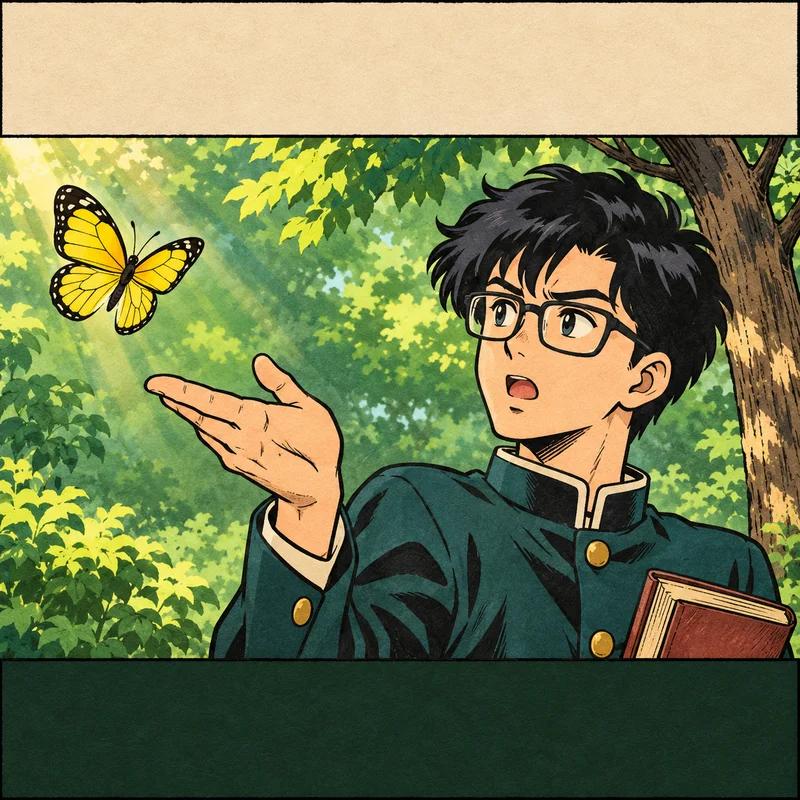
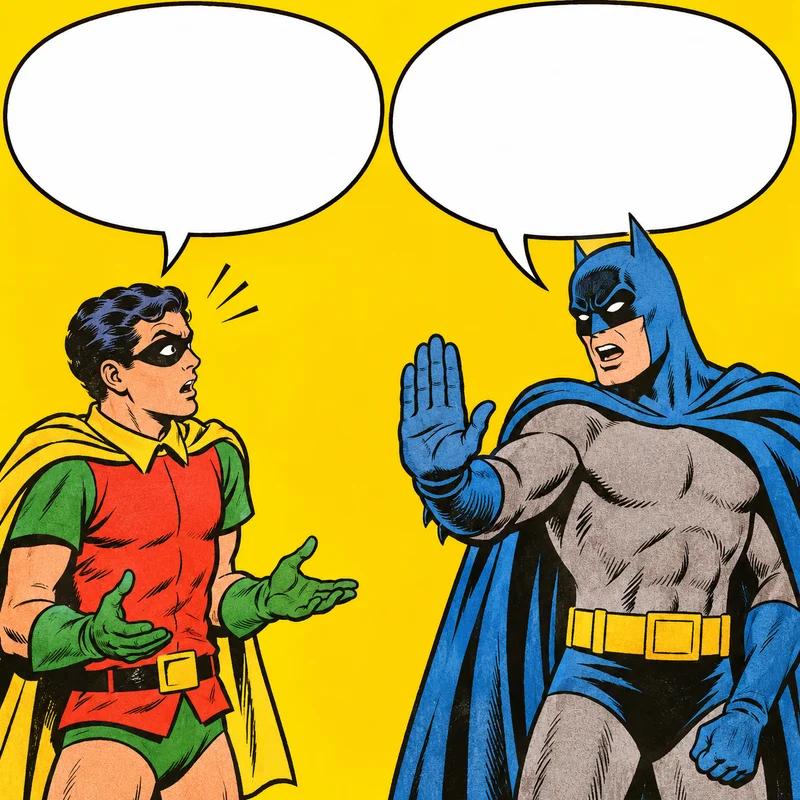

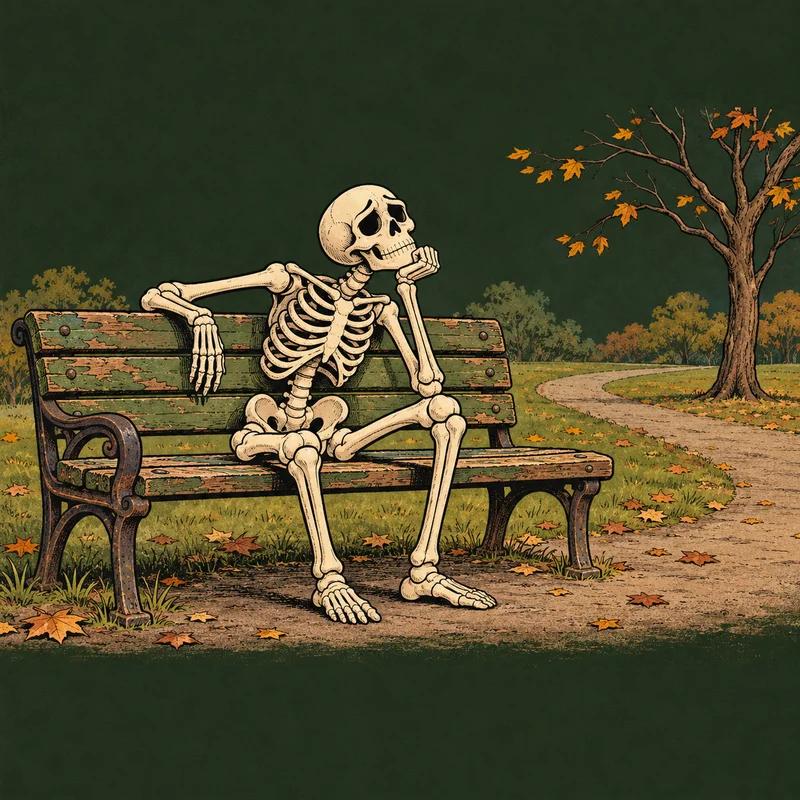
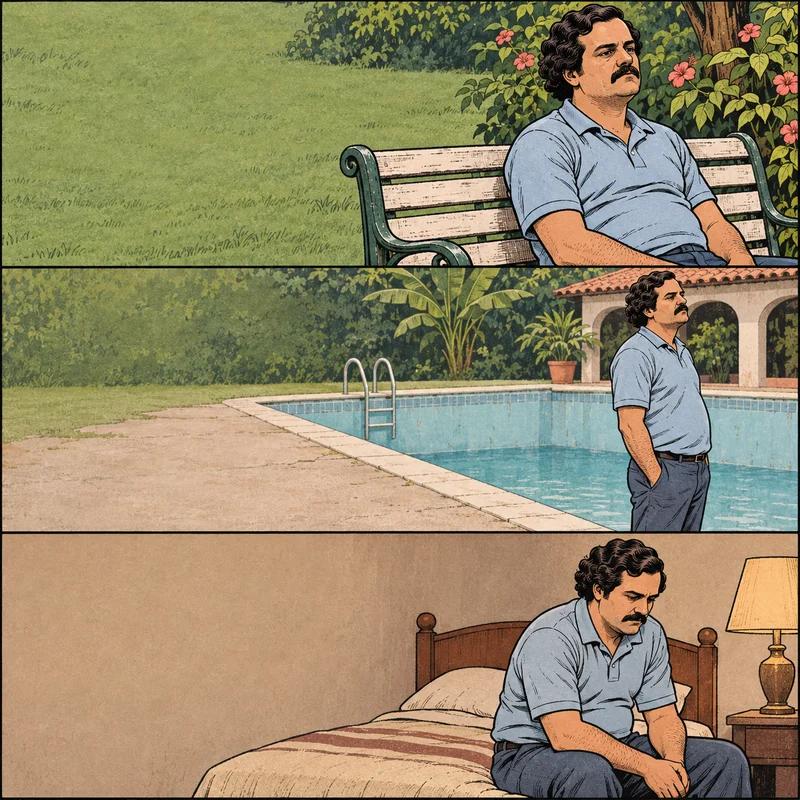
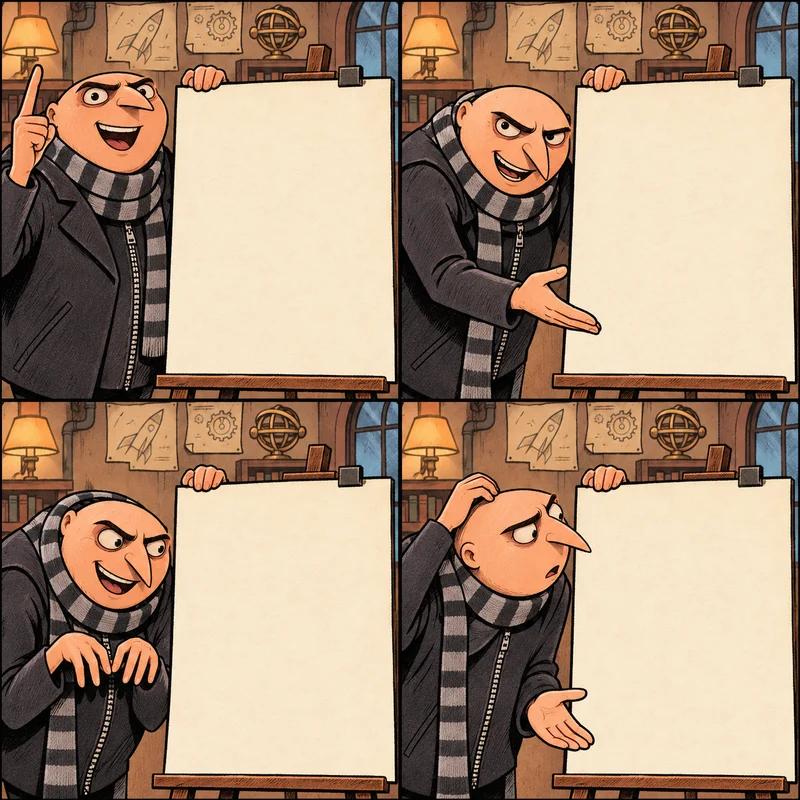
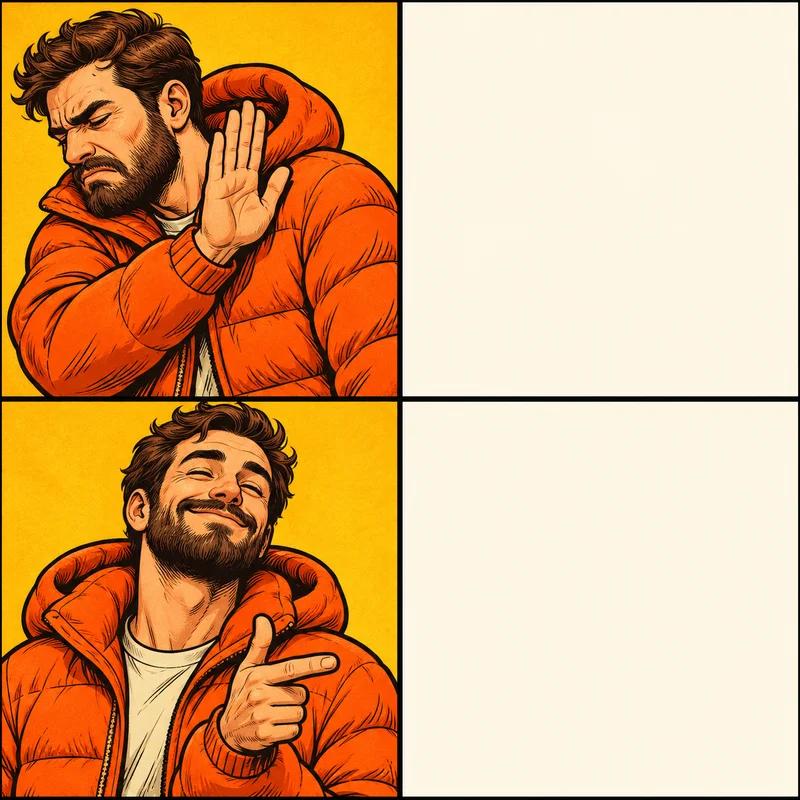
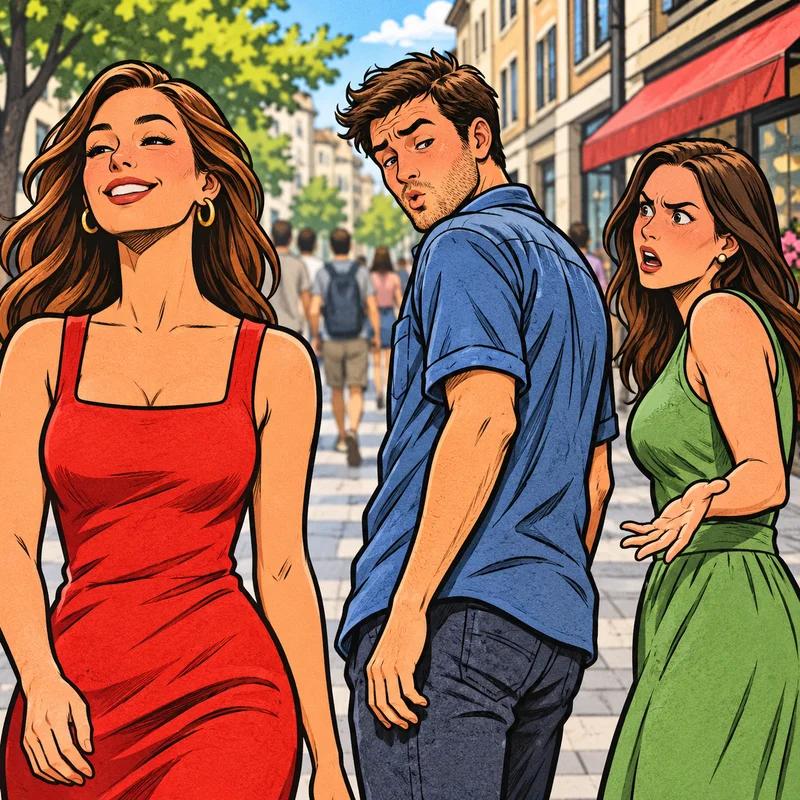
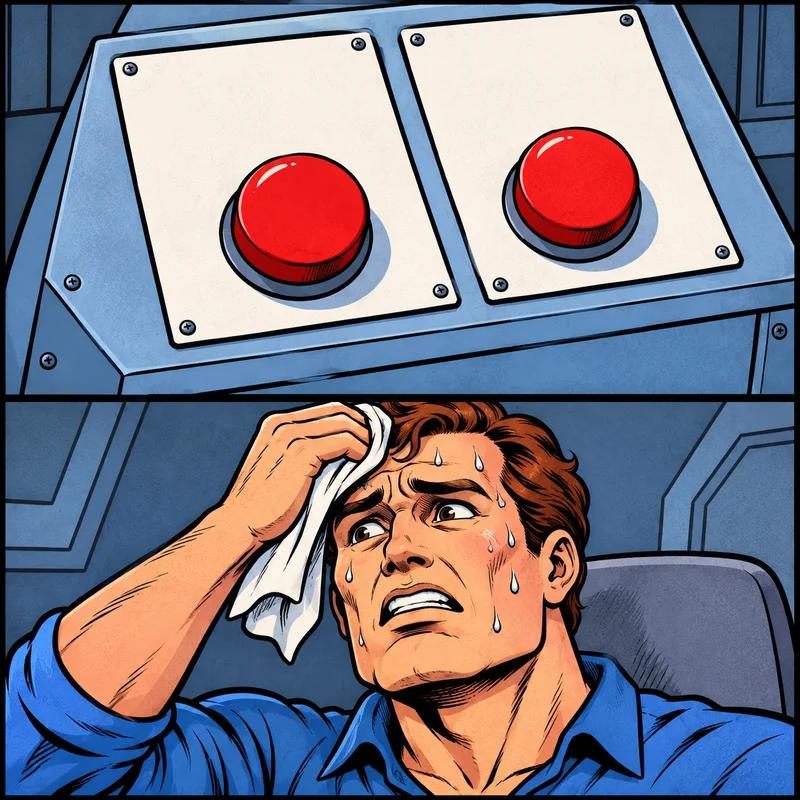
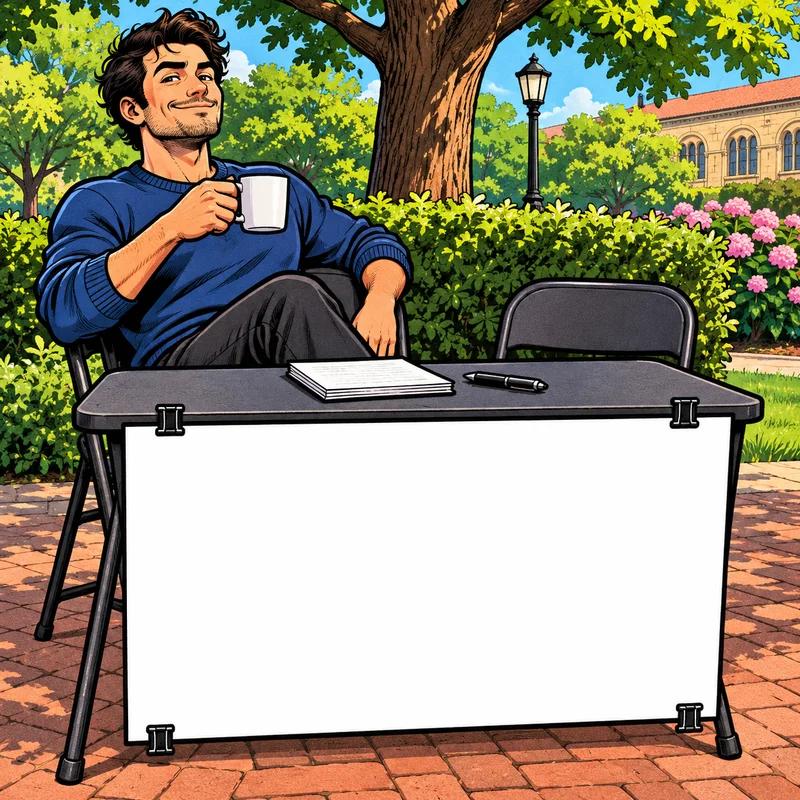
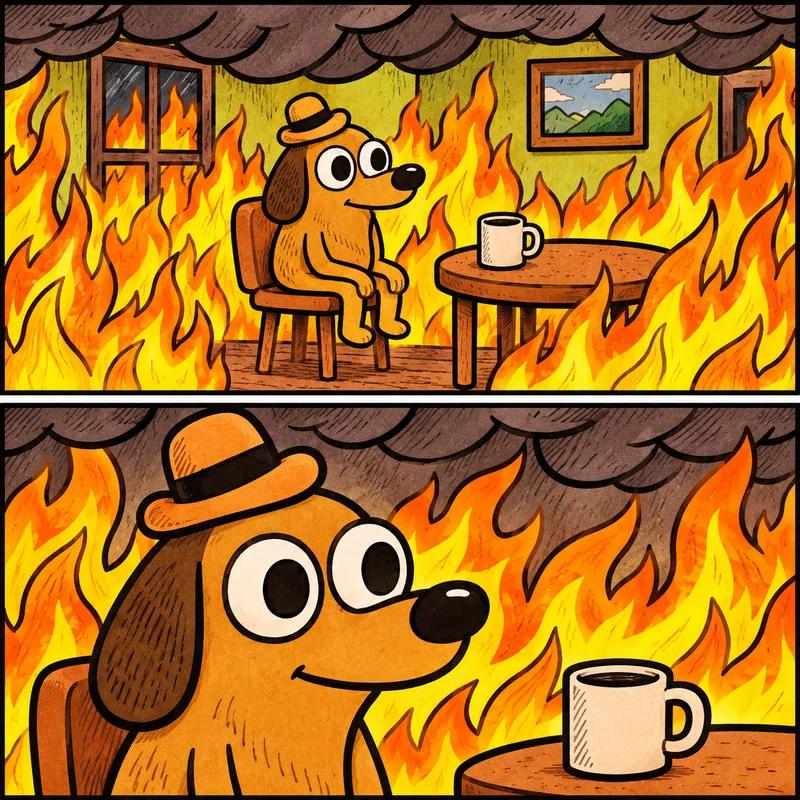
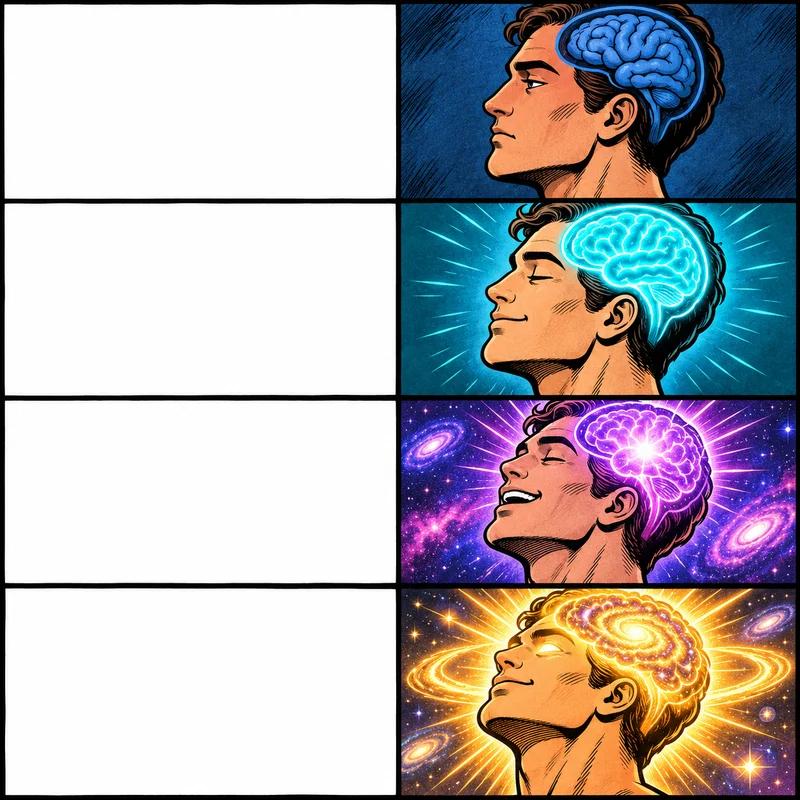
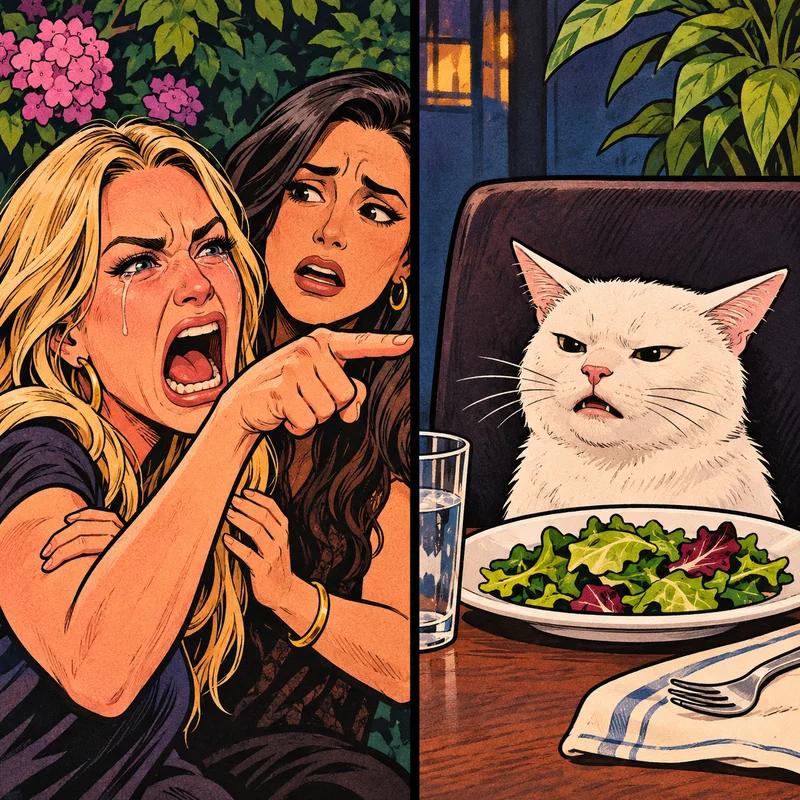
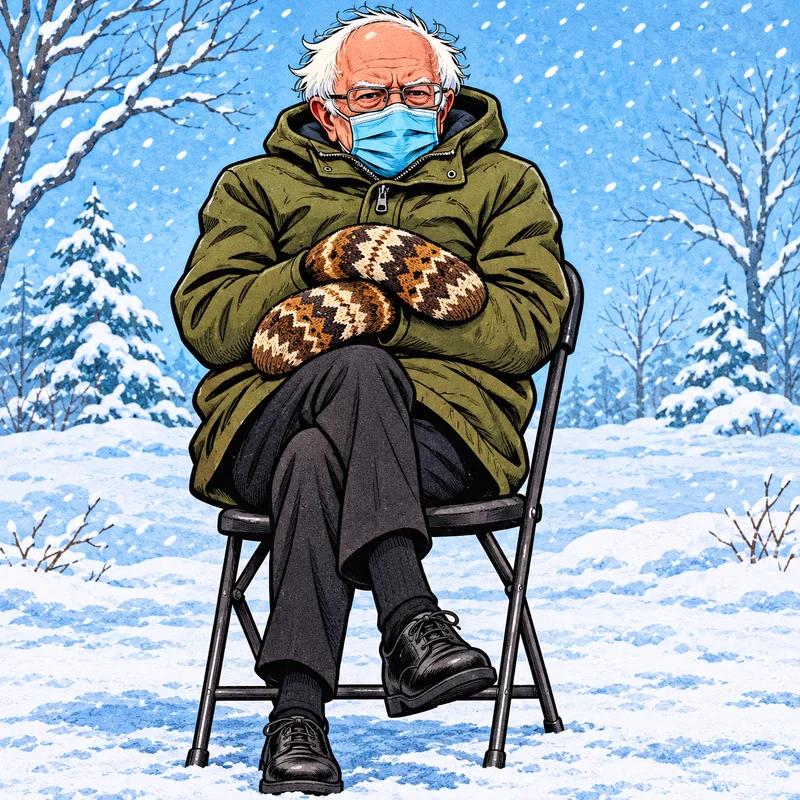
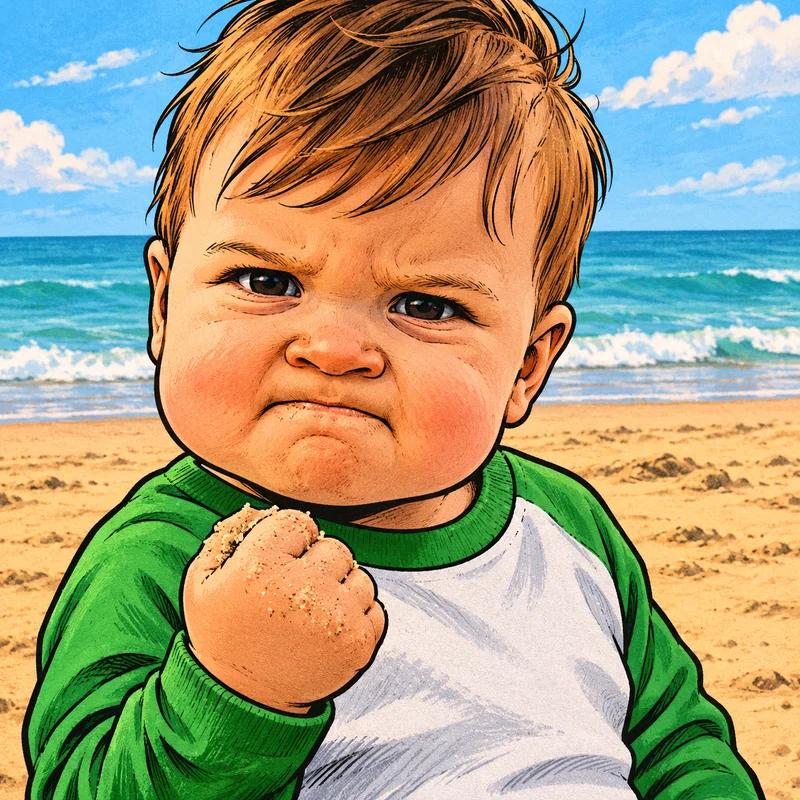

Familiar formats. Original illustrations.
Upload Your Own Image
Your camera roll already has material. Upload a pet photo, an awkward snapshot, or a picture you have permission to use. The meme generator opens it locally, so the file stays on your device. Add a caption at the top, a punchline at the bottom, or labels. PNG, JPEG, and WebP images are supported. Choose a clear source, leave room for your words, and make an image that feels personal rather than borrowed.
Use your own imageWorks on Mobile, No App Needed
A joke rarely waits until you are back at your desk. Open the editor on your phone and use the large controls to choose an image, write captions, and save the result. The preview fits a narrow screen, while the text fields make quick corrections easy. This meme generator also works on tablets and computers. You need a modern browser and a good idea; everything else is already on the page.
Free vs Pro
Free includes the full editor and 800px PNG downloads with a small watermark. Pro is planned for watermark removal, higher resolution, and batch exports. It is not available to purchase yet.
Frequently Asked Questions
A few things before you break the group chat.
Is FastMeme free?
Yes. Editing and downloads are free, with no account required. Free exports carry a small FastMeme watermark.
Can I use my own photo?
Yes. Upload a PNG, JPEG, or WebP under 20 MB. Your image stays in your browser.
How do I move and resize text?
Drag a selected caption to move it. Use corners to resize and the handle to rotate. Edit wording in the caption fields.
What size is the downloaded image?
PNG downloads have an 800-pixel long edge and preserve the original proportions. Start with a sharp source for clear results.
Does it work on my phone?
Yes. Use the meme generator in a modern phone, tablet, or desktop browser. No app is needed.
Are these the original meme photographs?
No. These are original AI-generated illustrations of familiar layouts. Names identify formats and do not imply endorsement.